
Full Festival Day
Start with arrival and orientation, move through a few sets or discoveries and close with the way out. A route makes the footage useful even to someone who does not know the lineup.
Your phone caught the queue, a favorite set, the people around you and the journey home. The edit should make the day understandable without turning every performance into a rapid-fire highlight reel.
See how arrival, the crowd, a live set and the trip home can form more than a montage of stage lights.
Choose whether the story is the whole event, one performance or the people you experienced it with.
Start with arrival and orientation, move through a few sets or discoveries and close with the way out. A route makes the footage useful even to someone who does not know the lineup.
Frame a favorite performance with the walk to the stage, the crowd before it starts and the reaction afterward. Keep a short excerpt rather than assuming a string of disconnected clips explains the experience.
Group clips by day or turning point, not only by artist. Organizing mixed video clips helps separate daytime travel, evening sets and the moments between them.
The plan changing, a shared discovery or the end-of-night conversation may be more personal than a stage shot. Keep faces and dialogue with their real context rather than cutting them into a generic crowd montage.
Packing, arriving and learning the layout give this version its arc. Include a few practical details you genuinely discovered, then let the last scene show how the experience compared with expectations.
Select one complete moment from the longer day and shape it for a vertical cut. A brief location cue and closing reaction help the clip stand on its own.
An event recap needs a route through the day, live sound that remains listenable and context around the performances rather than stage footage alone.
Clips from arrival, different stages and departure may come from several devices. AI clip organization helps place the scenes in order so the viewer knows where the group went and why the next performance matters.
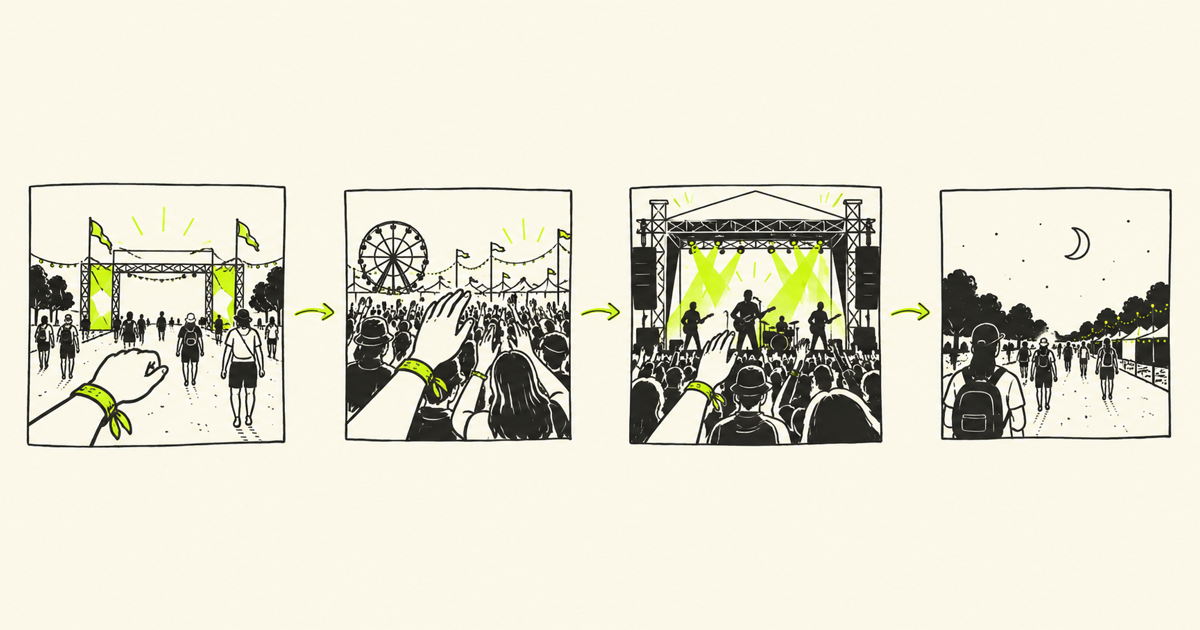
A live clip gains meaning from the walk in, the anticipation and the reaction afterward. Trimming and merging clips can shorten repeated stage shots while preserving that context and the sense of being there.
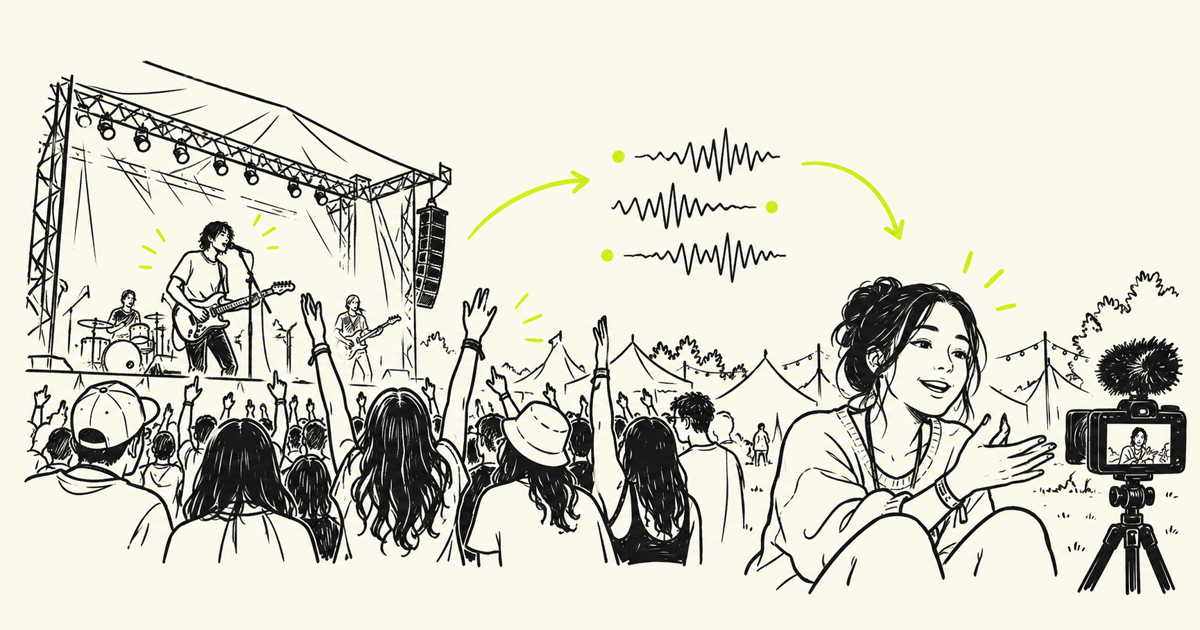
Phone audio can change abruptly between quiet talk and a loud set. Review each handoff and any distortion; audio ducking can balance narration against a bed track, but it does not clear rights to a recorded performance.

Give the day a route, choose the live moments that matter and check the audio and rights before publishing.
Make The Day More Than A Stage Montage
Bring arrival, live moments and the ride home into a recap that follows the event as you experienced it.
Edit your festival vlog