
Turn Travel Footage into a Vlog with AI

You come home with two hundred clips from six locations and no time to cut them. Sparki reads the footage, keeps the shots worth watching and builds a paced, captioned travel vlog plus the Shorts that go with it.

Travel Vlog Examples and Editing Formats

See how one trip can become a complete travel vlog, destination guide, recap and shorter story built around a single moment.

Trip RecapDay In The TripDestination GuideTransition ReelDrone B-Roll MontageLong-To-Short Cuts

Travel Vlog Formats You Can Make

Choose a travel vlog format based on whether viewers need the full journey, one destination, practical advice or a memorable story.

Day In The Trip Vlog

Everything you filmed between waking up in the hostel and the last night walk — transport, food, check-in, streets. Sparki puts the day back in order, trims the waiting and the walking, balances exposure between bright streets and dim interiors and captions the voiceover. Your main upload for YouTube or a longer Reel series.
Trip Recap Edit

The best shot from each location across the whole trip, plus any drone or timelapse clips. Sparki picks one strong frame per place, cuts the sequence to the music and holds the landscape shots long enough to breathe. The video you pin at the top of your channel or send to friends.

Destination Guide Video

Clips of each spot you want to recommend, plus a piece to camera about costs, timing or how to get there. Sparki structures the clips into numbered sections, drops in place-name and price cards and keeps the talking tight. The search-friendly video people find when planning the same trip.

Transition Reel

Walking shots, doorways, spins, jumps and any moment where the frame gets covered or the camera whips. Sparki finds the match points, hides the joins in the motion and locks each transition to the beat. The high-reach post for TikTok, Reels and Shorts.

Travel Story Clip

You telling one story — the missed train, the border queue, the meal that went wrong — plus the footage from that moment. Sparki removes pauses and filler, burns in captions and lays the matching b-roll over the parts you describe. The post that builds an audience rather than just views.

Vlog Clip Pack

A travel vlog you already published or a long unedited recording. Sparki scans the full runtime for the moments with a hook, reframes them vertically and captions each one separately. A week of Shorts from a video you already made.

What Sparki Considers When Editing a Travel Vlog

A travel edit needs a route viewers can follow, enough context for each place to matter, and separate structures for the full journey and its shorter stories.

Build the Route Before Choosing Highlights

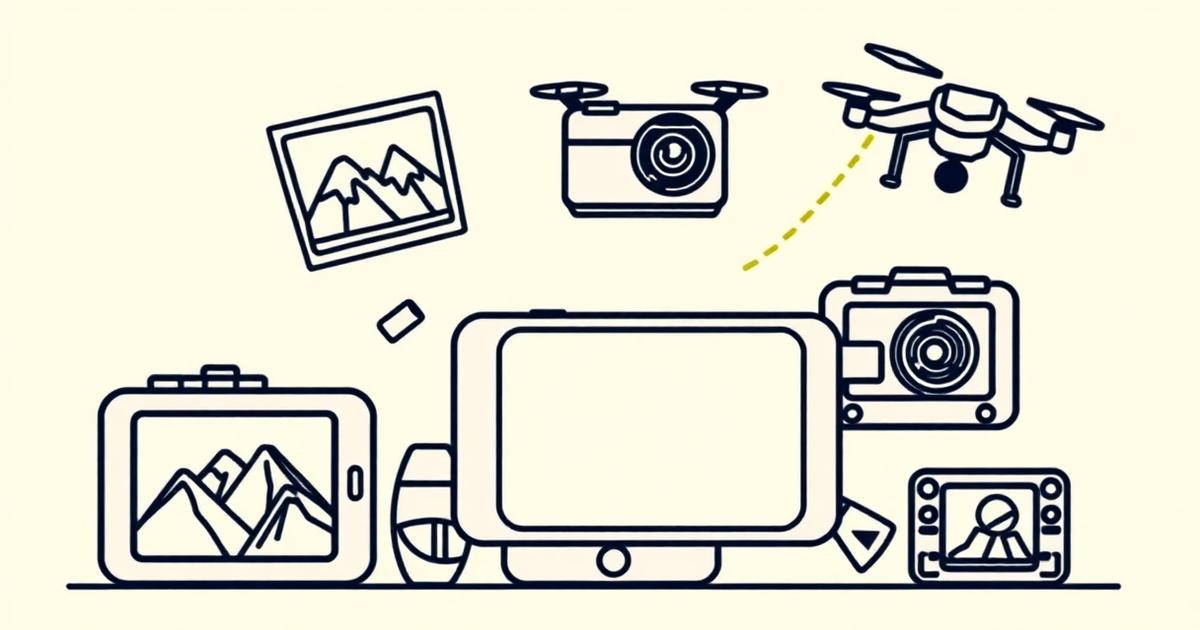
Sparki groups arrivals, departures, locations and turning points before ranking individual shots. That keeps the edit from becoming a montage of unrelated views and makes mixed phone, action-camera and drone footage feel like one journey. AI clip organization provides the structure before trimming begins.

Build the Route Before Choosing Highlights

Keep Context Around the Best Shots

A reveal works better when viewers see the approach, sign or short explanation that establishes where they are. Sparki preserves those cues, then uses context-aware video transitions where movement or location changes need a visible handoff rather than an arbitrary effect.

Keep Context Around the Best Shots

Separate the Journey From the Short Story

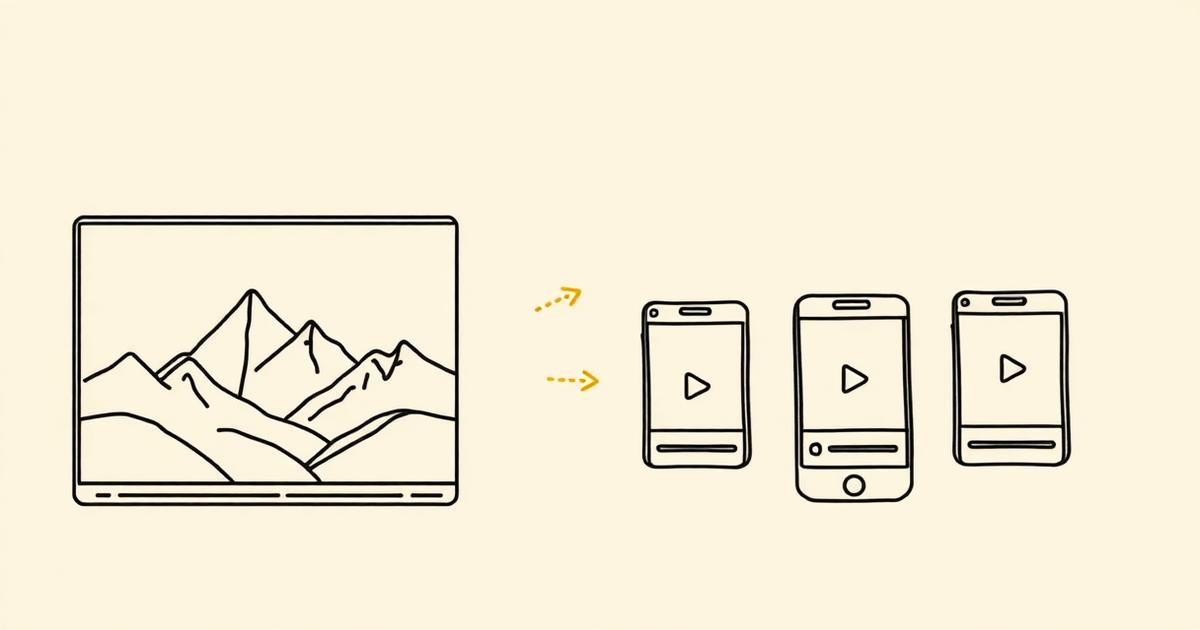
The full vlog can carry the route, setbacks and reflection, while a vertical cut should resolve one destination, mishap or useful tip on its own. Long-to-short video editing finds those self-contained moments without flattening the main travel story into disconnected highlights.

Separate the Journey From the Short Story

How To Edit A Travel Vlog In 3 Steps

Group footage by place or turning point, preserve enough context for each reveal, then build long and short travel edits separately.

  1. 1

    Group The Trip By Place Or Turning Point

    Bring phone, action-camera and drone footage together, then organize it around arrivals, route changes, discoveries or setbacks rather than file order.
  2. 2

    Use Context Before The Best Shot

    Keep the approach, sign or short explanation that tells viewers where they are before the reveal. A beautiful shot lands better when its place in the trip is clear.
  3. 3

    Build A Recap And A Useful Short Differently

    Let the long vlog carry the route and reflection. Use vertical cuts for one destination, transition or practical tip that makes sense without the full itinerary.

Travel Vlog Editing FAQ

Upload the trip footage and describe the video you want in a sentence. Sparki handles shot selection, ordering, pacing, colour matching and captions, and you adjust by asking for changes rather than moving clips on a timeline.

Give The Trip A Story, Not Just A Montage

Upload the clips from your last trip and Sparki cuts, colour-matches and captions them into a recap, a full vlog and the vertical Shorts to go with it.

Edit your travel vlog