
Create Study Vlogs from Long Sessions

A study session records five hours of one desk. Sparki turns that into a study vlog people actually watch — timelapsed blocks, a clear routine, readable subject cards and captions.

Study Vlog Examples and Editing Formats

See how one long desk recording can become a study vlog, timed session, productivity guide and shorter routine clips.

Study With MeStudy RoutineDesk TimelapseExam Week RecapStudy Method BreakdownStudy Shorts

Study Vlog Formats You Can Make

Choose a study vlog format based on whether viewers need quiet company, a repeatable routine, practical advice or visible academic progress.

Study Day Vlog

Morning setup, the commute or the library, each study block, breaks and the end-of-day review. Sparki keeps the day's shape, timelapses the long blocks, cuts the breaks down to a beat each and captions your narration. The main upload for a studytube channel.
Study Routine Video

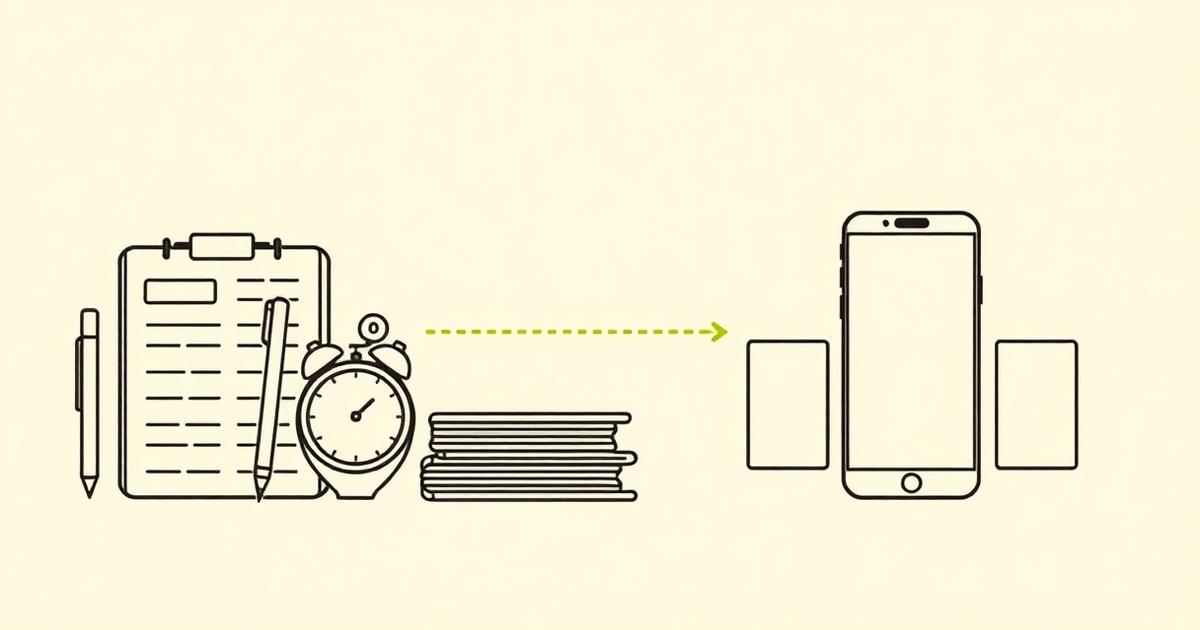
Short clips of each part of your routine — planner, timer, notes, water, review. Sparki gives each step one beat, adds time and subject cards and ends on the finished notes or checked-off list. The saveable post students come back to.

Desk Timelapse

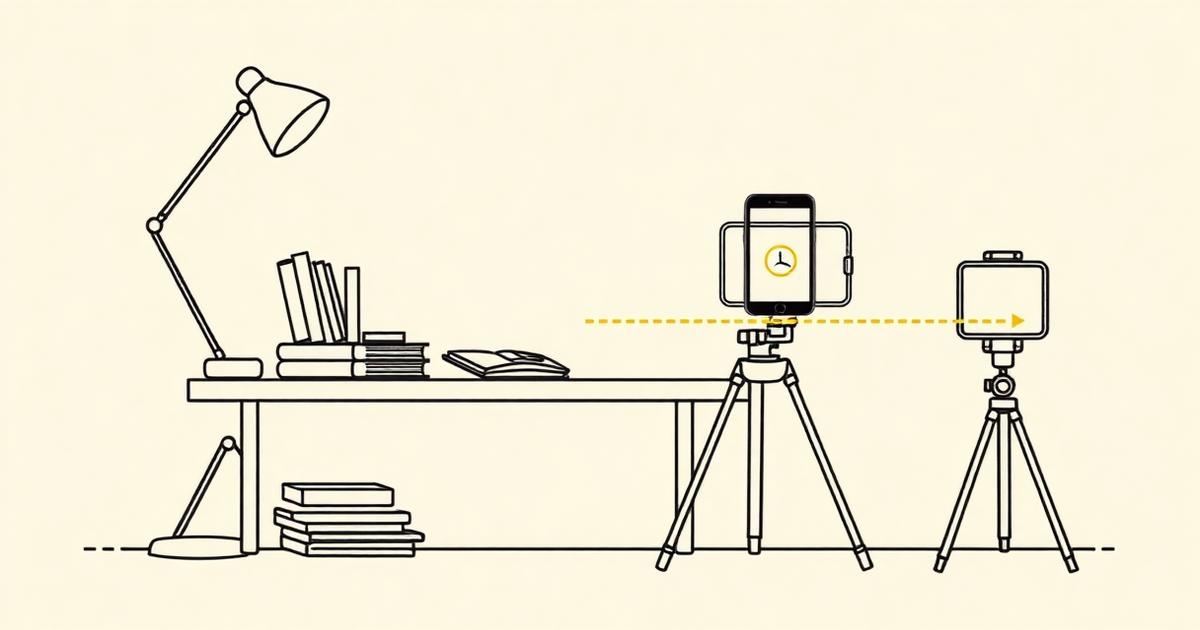
A locked-off shot of your desk across a full session, plus a few close-ups of writing. Sparki compresses the session into a timelapse, cuts in the handwriting close-ups and holds on the pages filling up. The aesthetic post that performs on Reels and Shorts.

Study Method Breakdown

You explaining a method — active recall, Pomodoro, Cornell notes — plus footage of you doing it. Sparki splits the explanation into numbered sections, adds step cards and lays your desk footage over each point. The search-friendly video that keeps getting found.

Exam Week Update

You talking about the week, what worked and what did not, plus study clips from those days. Sparki cuts filler and pauses, captions everything and drops the matching study footage over the parts you describe. The honest post that builds a returning audience.

Study Session Clip Pack

A long study-with-me recording or a published study vlog. Sparki finds the tip, the setup reveal and the productive stretch, reframes them vertically and writes a hook caption for each. Three Shorts from one session you already recorded.

What Sparki Considers When Editing a Study Vlog

A study edit needs visible progress, controlled compression and enough quiet detail to feel focused rather than empty or artificially rushed.

Separate Setup, Focus and Review

Sparki identifies desk preparation, subject changes, focused work blocks and the closing review before arranging the timeline. AI clip organization gives long, visually similar recordings a clear progression without inventing activity that was not captured.

Separate Setup, Focus and Review

Compress Time While Keeping Progress Visible

Long stretches of reading or writing can be accelerated, but viewers still need to see pages fill, problems change or a task reach completion. Sparki uses video speed controls selectively instead of turning the entire session into one continuous timelapse.

Compress Time While Keeping Progress Visible

Protect the Quiet Details

Page turns, keyboard sound and room tone make a study vlog feel present, while music supplies continuity across longer blocks. Automatic audio ducking balances those layers so the soundtrack supports concentration without erasing the small sounds that make the session believable.

Protect the Quiet Details

How To Edit A Study Vlog In 3 Steps

Organize the session around a goal, preserve enough quiet time to feel useful, then remove repetition that adds neither progress nor atmosphere.

  1. 1

    Choose Real Time Or Timelapse On Purpose

    Keep real-time sections where the viewer needs company or explanation; compress repetitive work blocks where progress matters more than detail.
  2. 2

    Mark The Blocks The Viewer Can Follow

    Provide the subject, timer length and break pattern so labels match the actual session instead of becoming decorative overlays.
  3. 3

    Preserve The Calm Between Milestones

    Use the task change, completed page or break as the edit points. Export the full study session and only the short moments that communicate a complete method or routine.

Study Vlog Editing FAQ

Upload the whole recording. Sparki detects the working stretches, timelapses them, keeps the moments where something visibly changes and assembles a vlog of the length you ask for, so you never scrub through the raw footage.

Make A Long Desk Session Easy To Stay With

Upload a long desk session and Sparki timelapses, labels and captions it into a study vlog, a routine video and the Shorts that come out of them.

Build a study video