
OpusClip Alternatives: Editing Raw Footage vs Clip-Based AI
Looking for an OpusClip alternative for raw footage? Most AI video editors like Klap or Vizard rely on subtractive editing, which breaks when editing vlogs or commentary from scratch. This article explains why additive, agentic workflows are the real way to escape the “Rule of 60.”

Introduction: How Creators Review OpusClip in 2026
For years, clip-based AI editors have dominated short-form workflows: feed in a finished video, let the system detect highlights, and export multiple Shorts with captions. Fast, efficient, and widely adopted.
But in 2026, many creators are re-evaluating this approach, not because the tools are inaccurate, but because the underlying workflow assumptions do not always hold once you move beyond finished videos and into raw footage.
As more creators work with vlogs, reviews, commentary, and multi-camera shoots, a pattern is emerging: tools designed for transcript-led clipping excel at repurposing, yet can struggle when asked to assemble a story from dozens of raw clips — the tool-level head-to-head that pairs with this analysis is OpusClip vs Vizard vs Klap vs Sparki.
This article is not a feature-by-feature comparison. It examines how different editing paradigms perform depending on the input, and why raw footage editing can highlight the constraints of clip-first AI workflows.
Part 1: The Direct Rivals (Best for Podcasters & Marketers)
If your primary workflow is "I have a 60-minute finished video and need Shorts," these are your two best bets.
1. Klap: The "Virality" Engine (Best for TikTok Growth)
Klap works best when the input is a single, finished video and the goal is volume, not narrative control.
If you want a workflow that leans more toward cadence and trend-optimized outputs, Klap tends to be a stronger fit. It is designed for creators prioritizing output volume over fine-grained narrative control.
-
The "Virality Score": Compared to more general scoring approaches, Klap's AI focuses heavily on trends. It tries to predict which specific hook will keep a viewer watching on TikTok.
-
Face-Focus AI:
-
The Verdict:
-
Best For: Clip-first channels and high-volume repurposers who prioritize reach and cadence over storytelling. Klap's auto-cropping is designed to favor tighter 9:16 framing, which can help keep speakers centered with less manual adjustment.
-
The Downside: It occasionally picks loud moments that lack logical context, requiring manual quality checks.
-
2. Vizard.ai: The Marketer's Workspace (Best for Corporate)
Vizard assumes a document-first workflow, which makes sense for corporate content but limits flexibility with raw footage.
Based on a review of publicly available user feedback, Vizard.ai has carved out a niche specifically for B2B Marketers and Webinar hosts.
-
The "Text-Based" Advantage: While many clip-first tools give you a feed of clips, Vizard offers a robust document editor. You can trim the video by deleting text, similar to editing a Word doc. This offers granular control that end-to-end automated clippers may not prioritize in their default workflow.
-
Brand Consistency: Vizard excels at custom layouts (e.g., specific split-screen borders for interviews), making it a common fit for corporate teams.
-
The Verdict:
-
Best For: Marketing teams repurposing Zoom calls for LinkedIn.
-
The Downside: It is primarily optimized for repurposing.
-
Part 2: The Hidden Problem (Why You Are Still Frustrated)
Many "OpusClip alternatives" lists assume you already have a finished long video. If you don't, those lists become much less helpful.
So, Klap is great for TikToks, and Vizard is great for Webinars.
But what if you aren't a Podcaster?
What if you are a Vlogger , a Reviewer , or a Commentary YouTuber?
-
You don't have a finished 1-hour video.
-
You have an SD card full of 50 separate files (Raw Footage). This is why many creators quietly avoid touching their raw footage at all—it feels overwhelming before editing even begins.
-
You have "dead air," bad takes, and B-roll that needs to be inserted, not cut.
You could also experiment with other tools—try feeding your raw vlog footage into different editors or AI clippers to see how they handle it.
A simple rule of thumb:
-
If your input is one finished video, subtractive clipping works.
-
If your input is dozens of raw clips, subtractive tools are typically not optimized for composition workflows, so results often require significant manual restructuring.
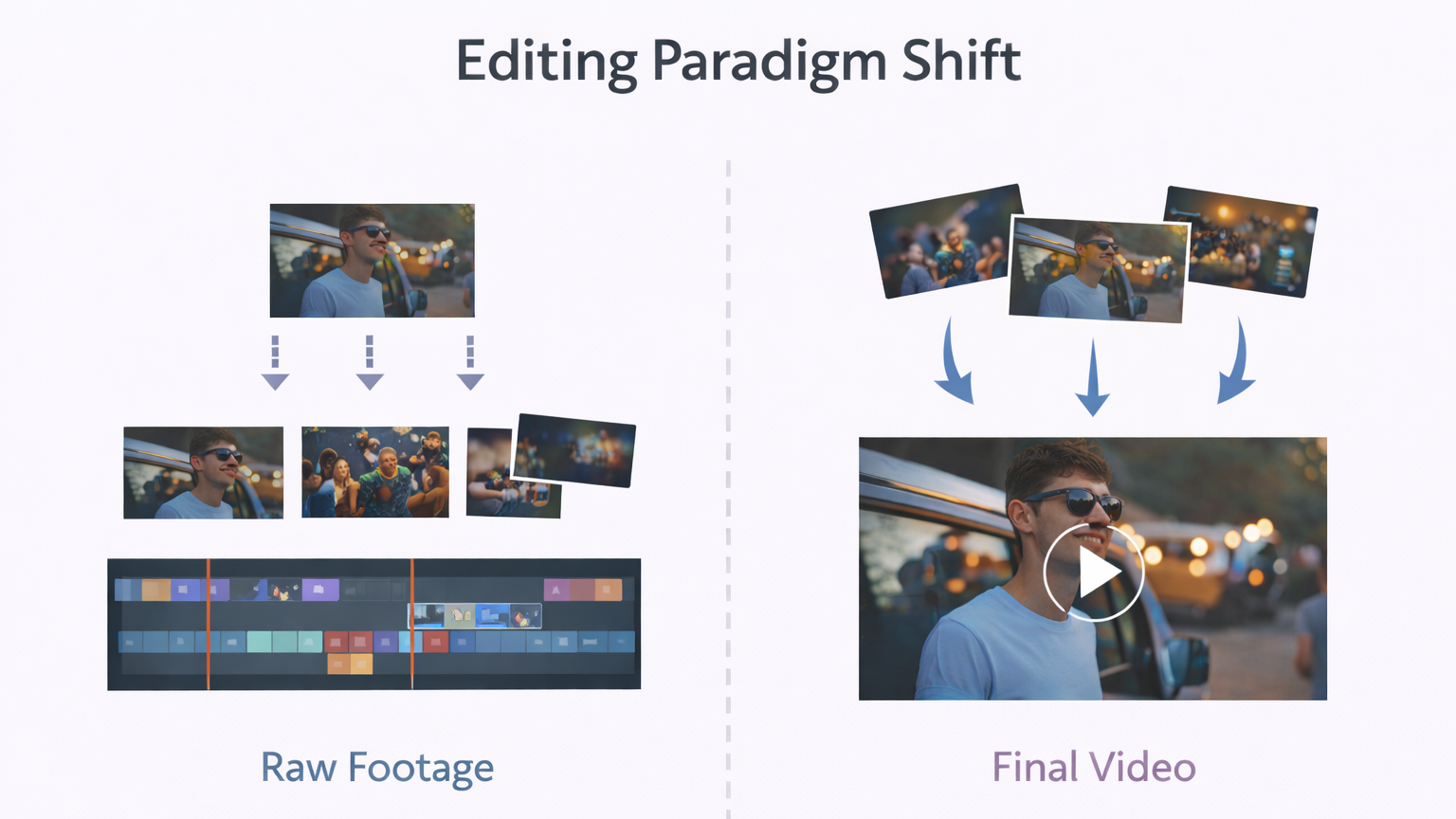
Comparison of video editing paradigms: a single long video being cut into multiple short clips versus multiple raw clips being assembled into one complete narrative video
Clip-based tools excel at segmentation—turning one finished video into multiple short, watchable clips—rather than composing a narrative from dozens of raw files.
A common rule of thumb many editors cite is that 1 minute of finished narrative video can take 30–60 minutes of editing, depending on complexity (captions, audio cleanup, B-roll, and revision cycles).
On slower machines, this time cost isn’t just mental—it’s technical. If preview lag or export freezes are your real bottleneck, here’s a practical decision guide for editing on low-end laptops.
Some creators escape this entirely—not by working faster, but by changing how the rough cut is created.
OpusClip and Vizard are typically most helpful after the core story is already in place—when the workflow is repurposing rather than composition.
The real cost isn't time — it's the mental effort of deciding what the video should be.
Enter the new challenger.
Part 3: A New Way to Think About Editing (The Agentic Workflow)
Timeline-based editors work extremely well — as long as the editor already knows what the story is.
If you have tried OpusClip, tested Klap, and looked at Vizard, but still feel overwhelmed by your backlog of footage, maybe the problem isn't the tool.
Traditional clip-based tools tend to create friction in three common scenarios:
-
When there is no single main video.
-
When pacing and narrative matter more than hook detection.
-
When the creator doesn't want to touch a timeline at all.
Maybe the problem is the workflow. An agentic workflow doesn't remove decisions; it changes who makes them and when.
Switching from one "Clipper" to another is like switching from a sedan to a hatchback when what you really need is a plane. You may still feel stuck in the same friction (often, the timeline-heavy workflow)
If you are ready to stop looking for a "better pair of scissors" and want to change how you edit entirely in the AI era, this is where an agentic workflow fits in.
One practical implementation of this approach is Sparki.io.
Instead of treating editing as post-production cleanup, it starts at the rough-cut stage. It doesn't treat repurposing as the starting point (of course, Sparki can repurpose when the story is clear).
Instead, it offers a different philosophy: Don't edit. Direct.
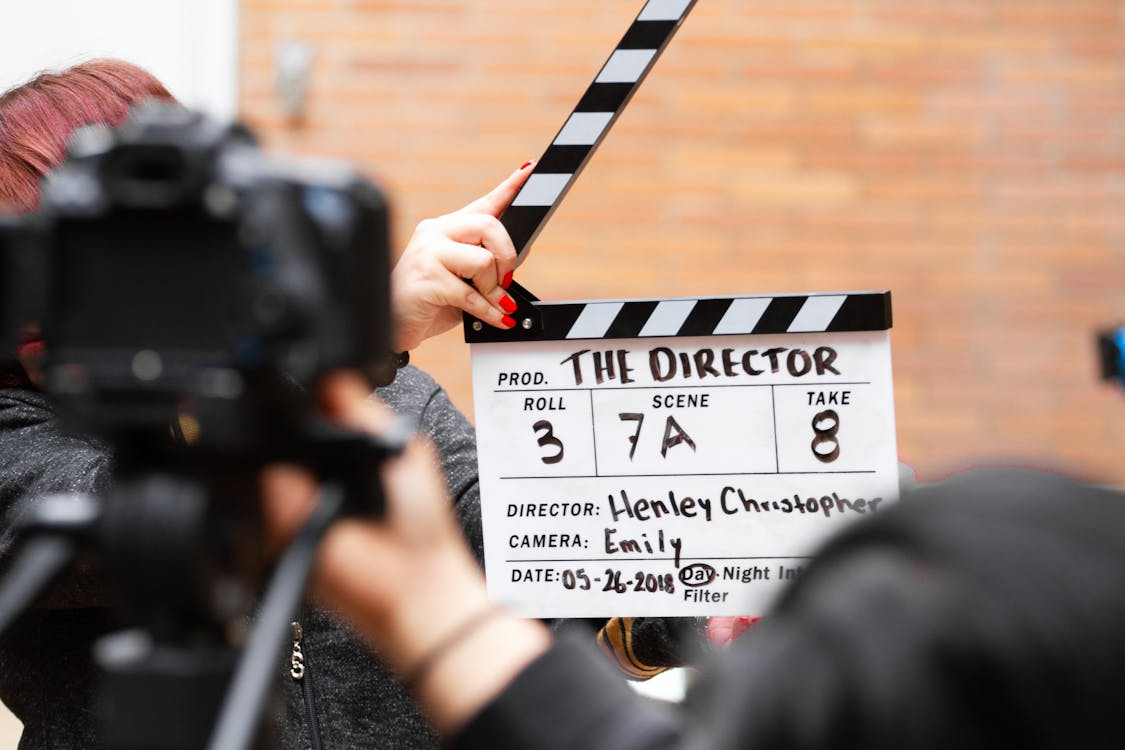
Director with a clapperboard representing the shift from hands-on video editing to a director-driven, AI-assisted workflow
Sparki.io: The "Chat-to-Edit" Approach
Sparki represents a shift from Manual Operation to Agentic Collaboration.
Instead of asking "Which tool cuts clips faster?" , Sparki asks: "Why are we still dragging files on a timeline in 2026?"
1. A Mindset Shift: From Operator to Director
-
The Old Way: You are the mechanic. You fix the audio, you cut the silence, you find the B-roll. It is 80% manual labor, 20% creativity.
-
The Sparki Way: You are the Director. You upload your raw chaos—vlogs, reviews, multiple camera angles—and you simply tell the AI what story you want to tell.
-
You: "This vlog feels too slow. Make it punchy, focus on the food shots, and cut the boring travel parts."
-
Sparki: Executes the vision.
-
2. Solving the "Empty Timeline" Fear
If your workflow is purely about extracting highlights from finished interviews, Sparki is overkill.
OpusClip and Vizard are typically most useful once the core story is already in place. Sparki is for that moment when you are staring at 50 raw files and don't know where to start.
-
It uses Multimodal AI (Gemini Pro) to "watch" your raw footage.
-
It acts as a "Junior Editor" that prepares the Rough Cut for you, so you can skip the burnout and go straight to the fun part.
If you are happy with your current workflow and just want cheaper clips, stick with the tools in Part 1. But if you are looking for a new way to create , Sparki is building the future.
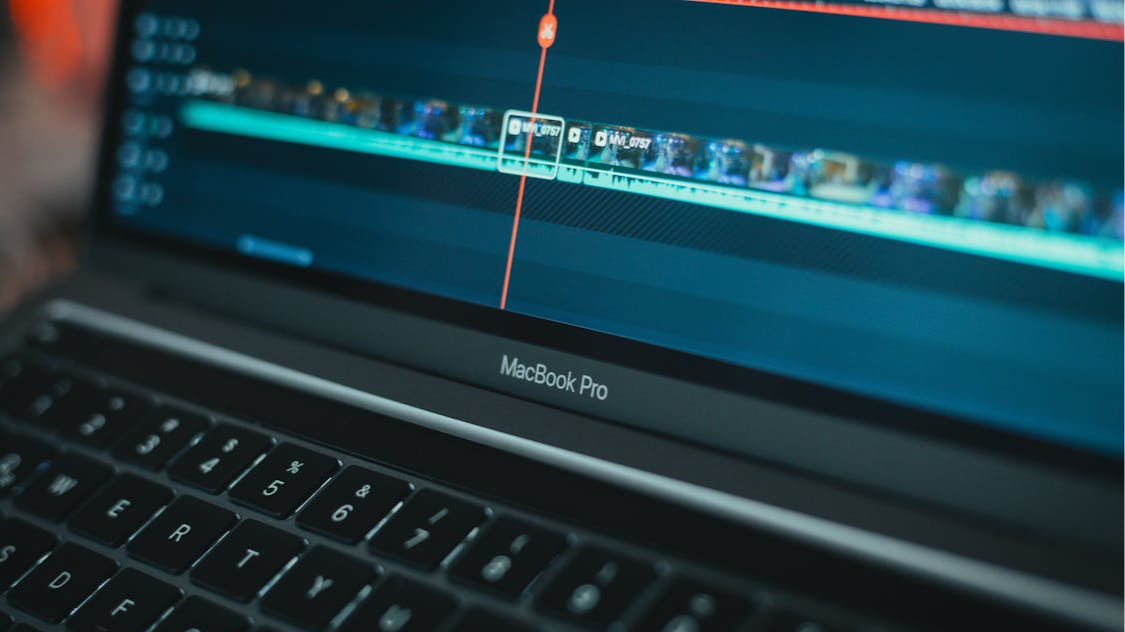
A creator editing multiple raw video clips on a timeline-based editor, illustrating the challenge of organizing raw footage into a story
Part 4: Quick Self-Test: Which AI Editor Actually Matches Your Workflow?
Before you compare features, you need to identify your input paradigm.
Most creators burn out not because tools are bad—but because they try to force raw chaos into tools designed for finished videos.
Identify Where You Really Sit
| Question | Subtractive (Clipping) | Additive (Agentic) |
|---|---|---|
| 1. Your Input? | One long, finished video | Dozens of raw files / clips |
| 2. Main Pain Point? | Scaling viral hooks | Organizing chaos into a story |
| 3. Timeline Vibe? | Manual trimming is fine | Avoiding the timeline at all costs |
| 4. The “Drain”? | Repetitive manual labor | The mental: Willpower Tax |
How to Read Your Results
If you align mostly with the left column: You are a Repurposer. Your bottleneck is speed and volume. Subtractive tools like OpusClip or Klap tend to work well when your story already exists, you just need it sliced efficiently.
If you align mostly with the right column: You are a Storyteller. Your bottleneck isn’t cutting speed—it’s direction. Traditional clippers fail here by design because they can’t build narratives from raw parts.
If you see yourself in this column, switching to another clipper will not fix the problem. What you need isn’t faster scissors—it’s a different editing paradigm.
Part 5: Comparison Matrix – Which Tool Fits You?
This comparison isn't about which tool is better, but which assumptions match your input and goals.
| Feature | <a href="https://www.opus.pro" rel="nofollow noopener">OpusClip</a> / <a href="https://klap.app" rel="nofollow noopener">Klap</a> | <a href="https://vizard.ai" rel="nofollow noopener">vizard.ai</a> | Sparki.io |
|---|---|---|---|
| Best For | Podcasters & High-volume creators | B2B Marketers | Vloggers & Creators |
| Input | Finished Video Link | Webinar Recording | Raw Footage (Multiple Files) |
| Editing Style | Subtractive (Cut Down) | Text-Based Edit | Additive (Build Up) |
| AI Vision | Transcript-first (visual context secondary; varies by version/workflow) | Text/document-first (visual context secondary; varies by version/workflow) | Multimodal (Sees Video) |
| Workflow | Template Automation | Manual Doc Edit | Chat-to-Edit Agent (Rough Cut → Repurpose) |
Final Verdict: Stop Editing Like It's 2016
If you've already tried every tool on the list and still feel stuck, the problem isn't which alternative you chose — it's the editing paradigm itself.
The real shift isn't better AI — it's recognizing when editing stops being manual labor and becomes direction.
-
Go with Klap if your goal is pure Volume. You want to increase posting cadence on TikTok clips.
-
Go with Vizard if you are a Marketer. You need precise control over your corporate webinars.
-
Go with Sparki.io if you are a Creator. If you are tired of the "Janitorial Work" of editing raw footage and want an AI that understands storytelling (not just keywords), Sparki is a strong fit for creators who want help at the rough-cut stage—reducing the “Rule of 60” burden by turning raw clips into an editable narrative starting point.
Ready to stop clipping and start creating?
Explore how Sparki.io approaches agentic, chat-based video editing.
https://sparki.io/blog/opusclip-alternatives-subtractive-vs-additive-editing